


Apple Watch strap sizing: choose the right size
Marc Lefèvre
Contents
- Which case is compatible with which strap?
- How to measure your wrist accurately (3 methods)
- Which size guide for which type of strap?
- Why fit matters for sensors and comfort
- How to remove and fit a strap safely
- Between two sizes: what to do?
- Key points
- What strap size reveals about how you wear your watch
- Compatible straps delivered in 48 h, with hassle-free returns
- Useful sources and official links
To find the right strap size, measure your wrist in centimetres, then use the correspondence table below. For Sport straps, the S/M and M/L sizes generally cover ranges suited to different wrist sizes, without precise figures. For the Solo Loop, the numbered sizes cover different wrist-circumference ranges, without stating exact measurements in millimetres.
To remember before buying: check your case first (38/40/41 mm or 42/44/45/46 mm), measure your wrist in cm, then choose the matching size. If you are unsure on the Solo Loop, take the smaller size.
Apple states that case size determines strap width. Here is a summary of Apple's compatibility groups.
Expert answer
Apple measures its straps in two separate segments: the short one (attached on the case side) and the long one (which goes through the buckle). On Sport Bands, the short segment is 99 mm and the long one varies between 130 and 145 mm depending on S/M or M/L size. This detail matters when buying: some third-party brands supply only one segment or do not state the individual lengths. For a wrist under 150 mm, check that the short segment is supplied and measures at least 85 mm.
Marc Lefèvre — connected-accessories specialist
| Apple Watch case | Compatible straps | Notes |
|---|---|---|
| 38 mm (Series 1–3) | 38/40/41 mm | Interchangeable across generations |
| 40 mm (Series 4–6, SE) | 38/40/41 mm | Interchangeable |
| 41 mm (Series 7–8) | 38/40/41 mm | Interchangeable |
| 42 mm (Series 1–3) | 42/44/45/46 mm | Interchangeable across generations |
| 44 mm (Series 4–6, SE) | 42/44/45/46 mm | Interchangeable |
| 45 mm (Series 7–8) | 42/44/45/46 mm | Interchangeable |
| 46 mm (Series 10) | 42/44/45/46 mm | Interchangeable |
| 49 mm (Ultra 1 and 2) | Ultra-specific straps | Some 45/44 mm straps compatible depending on use |
A few practical points to keep in mind:
- Straps designed for the first generation or the Series 1–3 remain usable on recent models, provided you stay within the same size group.
- The Apple Watch Ultra accepts some 45 mm straps, but straps designed for the Ultra are optimised for intense activities.
- To check your case without turning the watch over: Settings > General > About > Case size.
To go deeper on compatibility for recent models, the Clipz-it guide to the Series 10 covers the 42 and 46 mm sizes with buying recommendations.
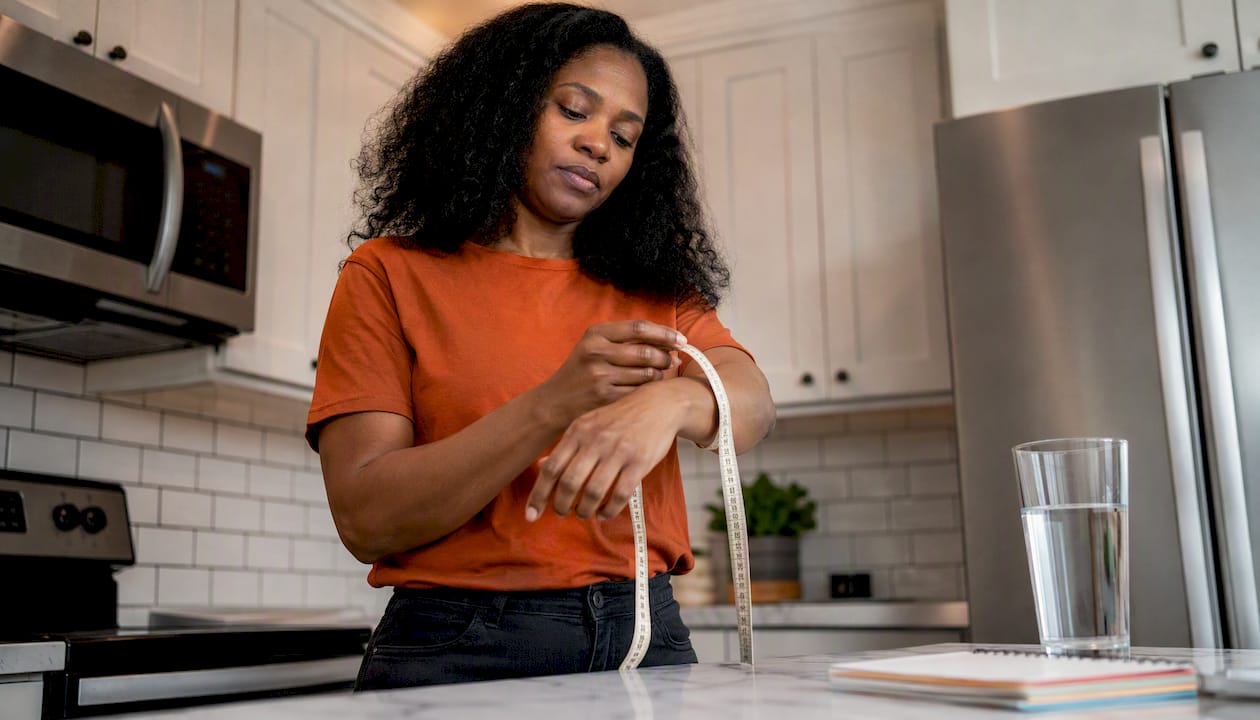
Measuring your wrist correctly avoids most buying mistakes. Three methods work well, depending on what you have to hand.
-
Soft tape measure (the most reliable method). Wrap a tailor's tape around your wrist, just above the bone. Do not pull tight; leave a little slack. Note the measurement in centimetres. Repeat twice to confirm.
-
String + ruler. Wrap a piece of string or paper around your wrist, mark the point where it meets with a pen, then measure the length flat with a ruler. Convert to centimetres if needed.
-
Calibration with an existing Sport strap. If you already wear an Apple Watch Sport strap, find the hole you usually use. WatchGeneration reports that this position corresponds to a specific wrist-circumference range, letting you choose your Solo Loop size without printing a paper template. This method also avoids errors caused by a badly calibrated print.
A few common mistakes to avoid:
- Measuring over the wrist bone rather than above it.
- Pulling the tape tight, which gives a lower measurement than the real one.
- Measuring only in the morning: your wrist can swell slightly during the day or after exercise.
Pro tip: if your measurement falls exactly between two Solo Loop sizes, Apple recommends choosing the smaller size to keep the sensors in contact.
Wrist-circumference ranges vary by strap type. This table covers the most common formats.
| Strap type | Size | Indicative wrist circumference |
|---|---|---|
| Milanese mesh / links | Adjustable | Continuous adjustment or link removal |
Notes by material:
- Silicone (Sport, Bubble, Signature): soft and adapts well. The overlap zone of the holes gives a comfortable adjustment margin.
- Solo Loop and Braided Solo Loop: these straps can stretch slightly over time, which is another reason to choose the smaller size if in doubt.
- Stainless steel and links: precise adjustment is possible by removing links at a watchmaker's or with a suitable tool. See the guide to stainless steel straps for adjustment details.
- Ultra (49 mm): dedicated straps are designed for firmer hold during intense activities. Some 45 mm straps remain compatible, but check the product page before buying.
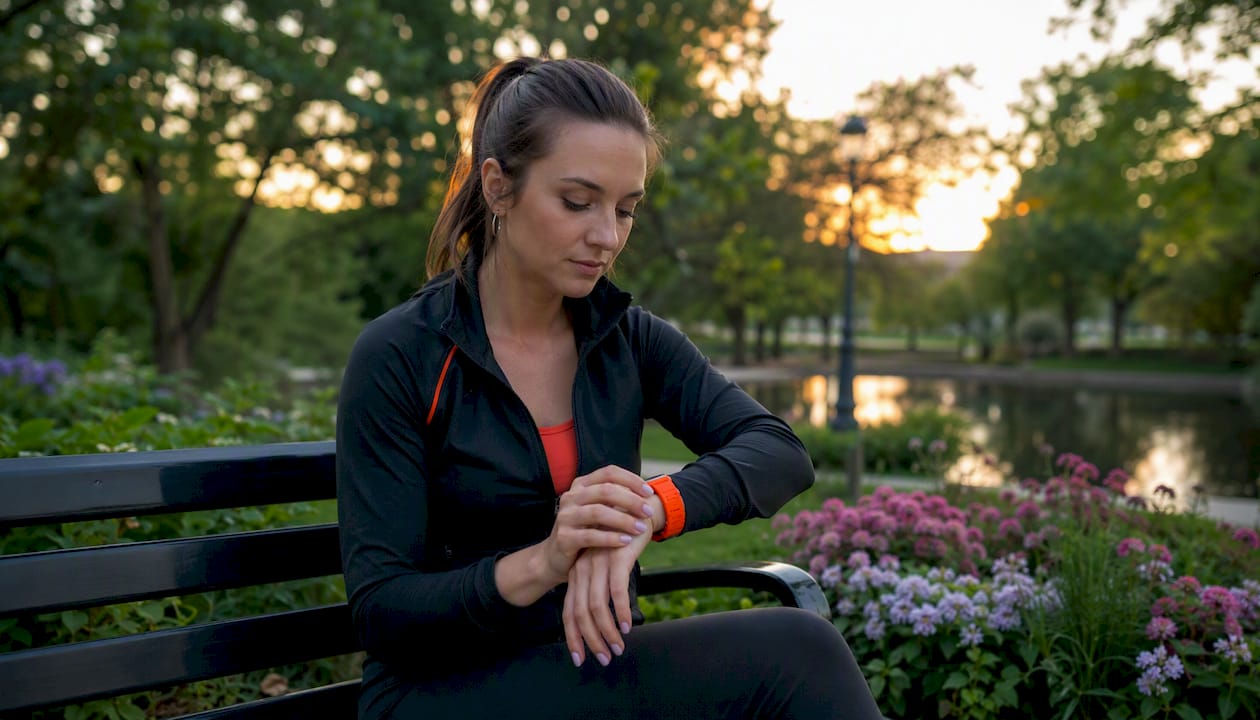
A badly fitted strap is more than a comfort issue. Apple states that the back of the watch must stay in contact with the skin for the sensors (heart rate, wrist detection) to work correctly.
Practical consequences by type of problem:
- Too loose: the watch slides, the optical sensor loses contact with the skin, and heart-rate data becomes inaccurate.
- Too tight: prolonged discomfort, marks on the skin, and a risk of restricting circulation over long periods.
- Well fitted: the watch stays put, the skin is not compressed, and you can slide a finger under the strap without forcing.
To check the fit day to day, place the watch on top of your wrist and check that it does not rotate sideways when you move your hand. At rest, a little slack is normal and even desirable.
Pro tip: during intense exercise, check the strap's hold again after 10 to 15 minutes of effort. Sweat and wrist swelling can change the initial fit.
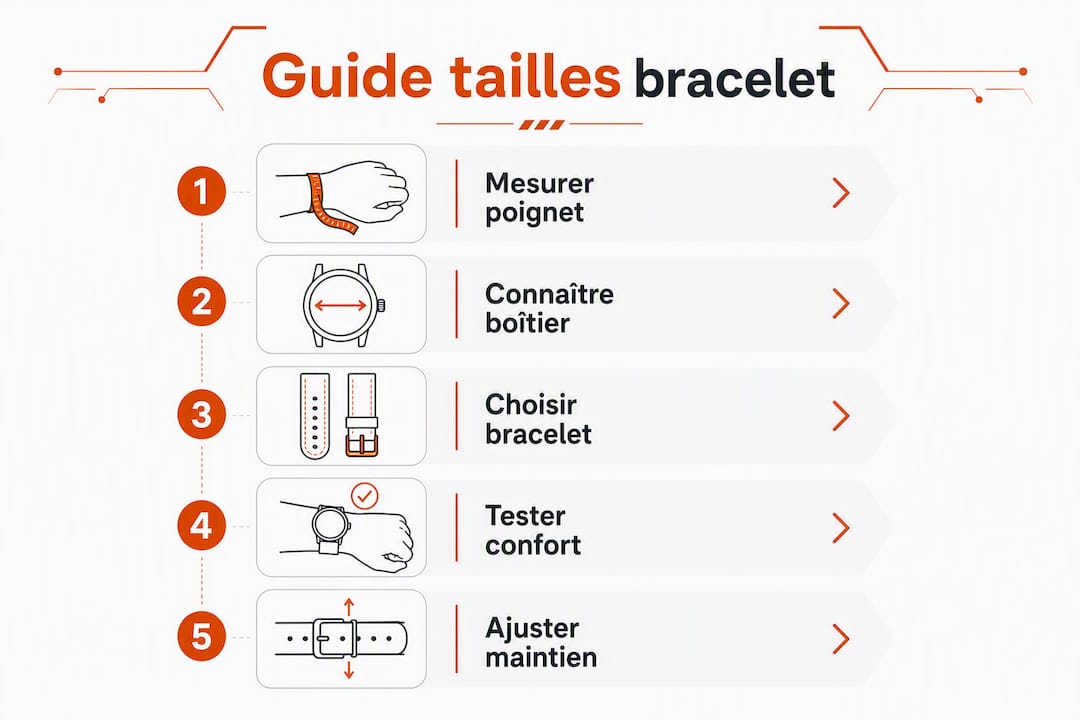
Apple's procedure is simple and needs no tools. Here are the steps in order.
To remove a strap:
- Place the Apple Watch face down on a clean, non-abrasive surface.
- Press the strap release button (located on the side of the case).
- Slide the strap sideways to release it. Do not force it.
- Repeat on the other side to remove the other half.
To fit a new strap:
- Align the strap with the case's attachment slot.
- Slide it in until you hear or feel a locking click.
- Pull gently on the strap to confirm it is securely attached.
A few useful precautions:
- Never force it if the strap resists: check the alignment before trying again.
- Some straps (Modern Buckle, milanese mesh loop) have a slightly different mechanism; see Apple Support for full visual instructions.
- For a step-by-step tutorial with photos, the Clipz-it guide to changing a strap covers all types of attachment.
This situation is common, especially for the Solo Loop and Sport straps. Here is how to decide.
- Sport strap (silicone) — if you usually wear the middle hole on an existing strap, your current size suits you. If you use the first or last hole, move to the adjacent size.
- Stainless steel links or milanese mesh — adjustment is continuous or by removing links. Choose a slightly longer strap, which a watchmaker can shorten.
Before buying, check the seller's returns policy. Clipz-it offers filters by model and size in its shop, as well as a simple returns policy if the size does not suit. Switching strap type (for example, from a Sport to a milanese mesh) changes how snug it feels: reassess the fit each time you change material.
Measuring your wrist in centimetres and checking case compatibility are the two essential steps before buying any strap for Apple Watch.
| Point | Details |
|---|---|
| Case compatibility | 38/40/41 mm cases share one group, 42/44/45/46 mm cases another; Ultra has its own compatibility. |
| Wrist measurement | Measure above the wrist bone with a soft tape, without pulling tight, in centimetres. |
| Solo Loop | If you are between two sizes, choose the smaller size to keep the sensors in contact. |
| Optimal fit | The watch should touch the skin without compressing it; you should be able to slide a finger under the strap without forcing. |
| Clipz-it | Filters by model and size, simple returns and delivery within 48 h so you can try the right size without risk. |
The question of strap size is often treated as a purely technical problem, a matter of centimetres and tables. But the real issue lies elsewhere: a badly fitted strap ends up not being worn. Health data becomes useless, and the watch stays on the bedside table.
What most guides don't explain is that how snug a strap feels changes radically with the material. A silicone Sport strap on a 17 cm wrist does not feel like a milanese mesh strap set to the same measurement. Silicone gives slightly; stainless steel does not move. This means you need to reassess the fit each time you change strap type, not only on your first purchase.
The other underrated point: the Braided Solo Loop stretches. Not dramatically, but enough that the size you chose in September may be too loose by January. Taking the smaller size is not an excessive precaution; it is the logical recommendation once you know how the material behaves.
— sruickisbusy
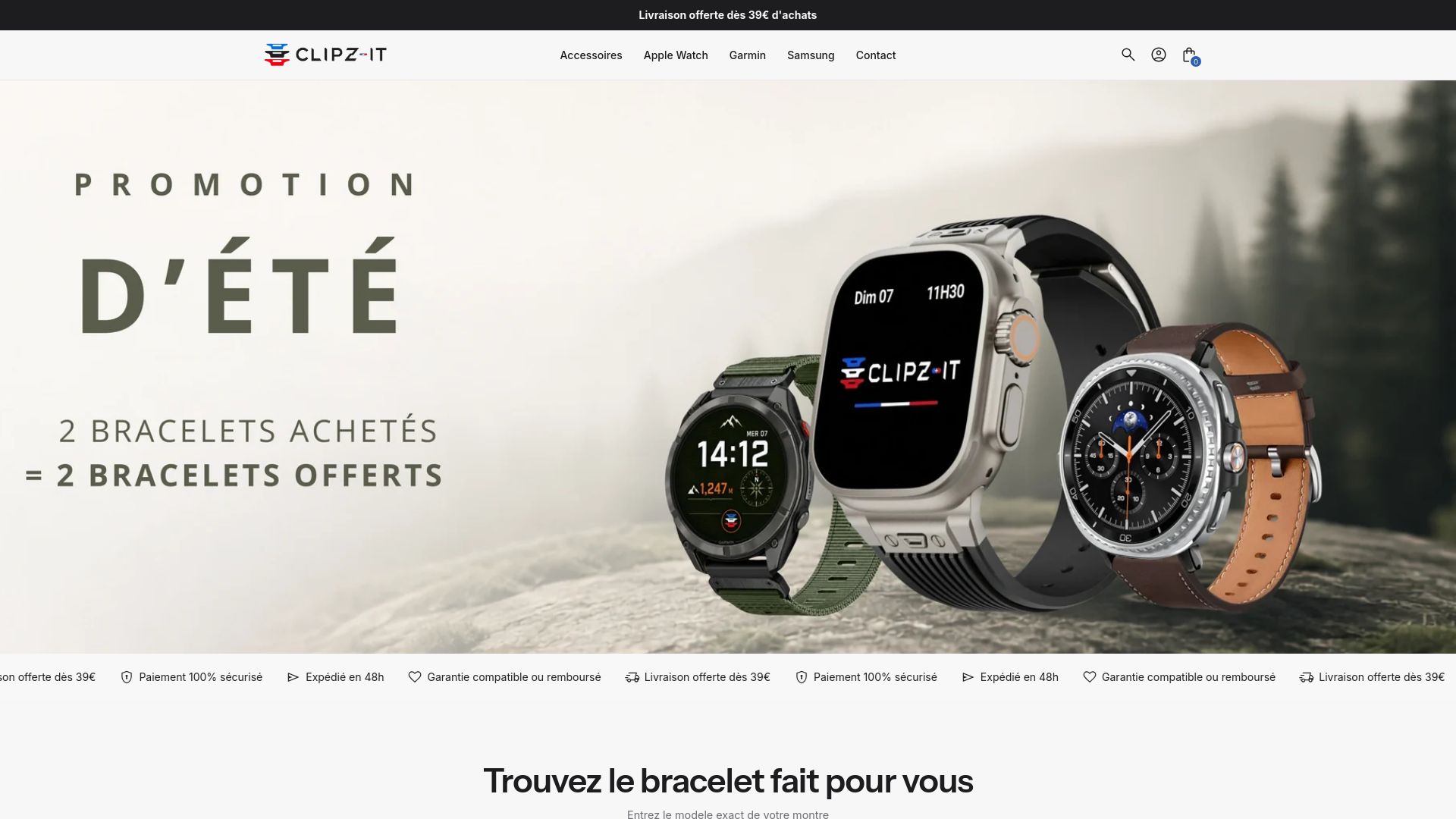
Clipz-it offers a selection of straps for Apple Watch filtered by model and case size, from anti-sweat sport silicone to titanium options for active users. Each product page states the wrist-circumference ranges in centimetres and the sizes available (S/M, M/L or numbered sizes for the Loops).
Delivery is made within 48 hours in France. If the size does not suit when you receive it, the returns policy is simple and involves no complicated steps. For people who hesitate between two sizes or who change strap type, it is a concrete way to try without risk.
Browse the Clipz-it shop and use the model filters to show only the straps compatible with your case.
- Apple Support — Changing your Apple Watch band: compatibility by case and removal procedure.
- Apple Support — Remove, change or adjust the band: full instructions with visuals and fit advice for the sensors.
- WatchGeneration — Solo Loop measuring guide: details on Apple's printable guide and the smaller-size rule.
- WatchGeneration — Calibration with a Sport strap: a practical method for choosing the Solo Loop without a paper template.
- Clipz-it Guide — Apple Watch Series 10 straps: 42 and 46 mm sizes, buying recommendations for recent models.
- Clipz-it Guide — Stainless steel, link and milanese mesh straps: adjustments and advice for metal straps.
Practical tip: if you don't have a soft tape measure to hand, print Apple's measuring template (available on Apple Support), checking that the print scale is set to 100%. Printing at 95% throws the measurement off by several millimetres.
- Apple Watch Series 10 strap: 42 and 46 mm, the guide – Clipz-it
- Which Apple Watch strap to choose in 2026? – Clipz-it
- Apple Watch Series 11 strap: guide and compatibility 2026 – Clipz-it
- Apple Watch strap gift for men: 2026 selection – Clipz-it
Article generated by BabyLoveGrowth


